Install guide
How to install SellerListingHub
Works in Google Chrome on Mac and Windows. It takes about 2 minutes, and only the first step is different.
-
1
Unzip the file
MacOpen Downloads and double-click
sellerlistinghub-extension.zip. A folder with the same name appears.WindowsOpen Downloads, right-click
sellerlistinghub-extension.zip, choose Extract All, then Extract.Move the sellerlistinghub-extension folder somewhere safe, like Documents. Don't delete it later: Chrome runs the extension from this folder.
-
2
Turn on Developer mode
In Chrome, type
chrome://extensionsin the address bar and press Enter. Turn on Developer mode at the top right.
-
3
Click Load unpacked
Click Load unpacked and choose the sellerlistinghub-extension folder from step 1. Pick the folder itself, not the .zip file.

-
4
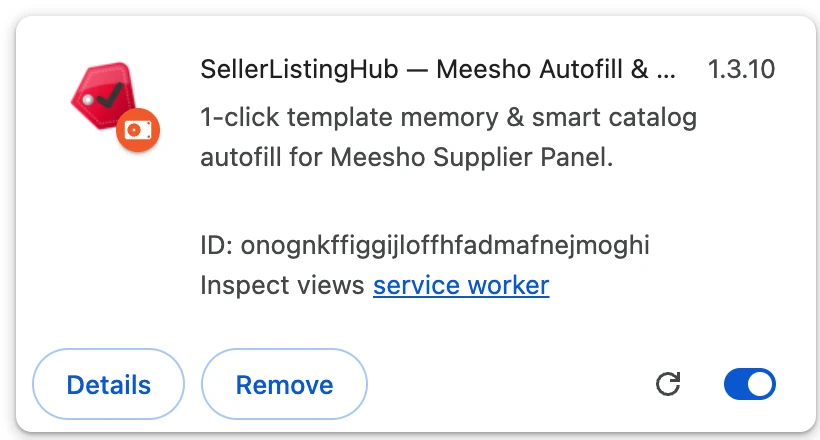
SellerListingHub is installed
The SellerListingHub card appears. Click the puzzle icon in Chrome's toolbar and pin SellerListingHub so it is always one click away.
-
5
Open it on Meesho
Open the Meesho catalog form, click the SellerListingHub icon, and the side panel opens. Log in with the same account you created here.
Updating later: download the new file, replace the old folder's contents with the new ones, then click the reload icon on the SellerListingHub card.